

Mobile Top-up Using Zcash
In this guide, you'll learn how to buy airtime with ZEC.
Follow these steps:
1. Create an account
Visit Coinsbee.com and create an account.
2. Select your country and network
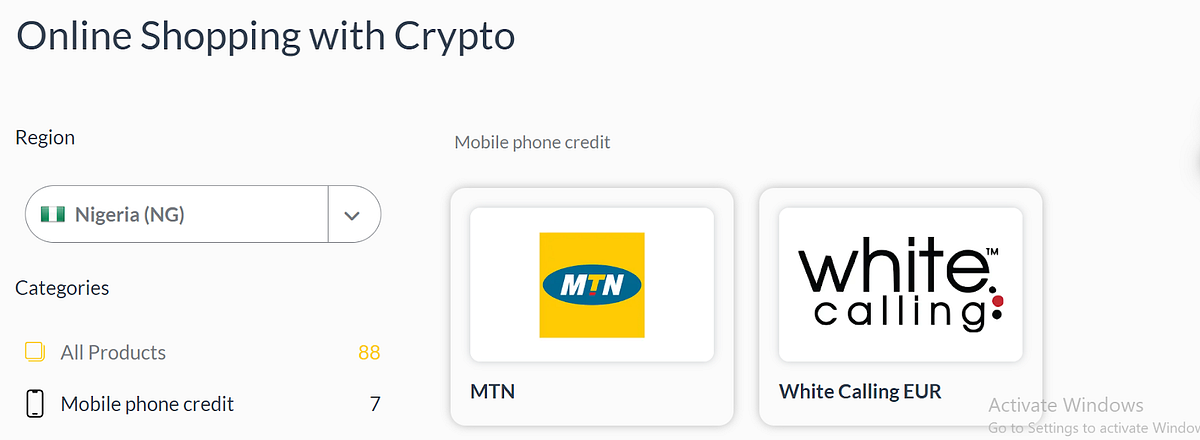
Scroll to the top left corner and select your country; then choose mobile phone credit and select the network that you'd like to top up (example: MTN).
3. Fill in details and purchase
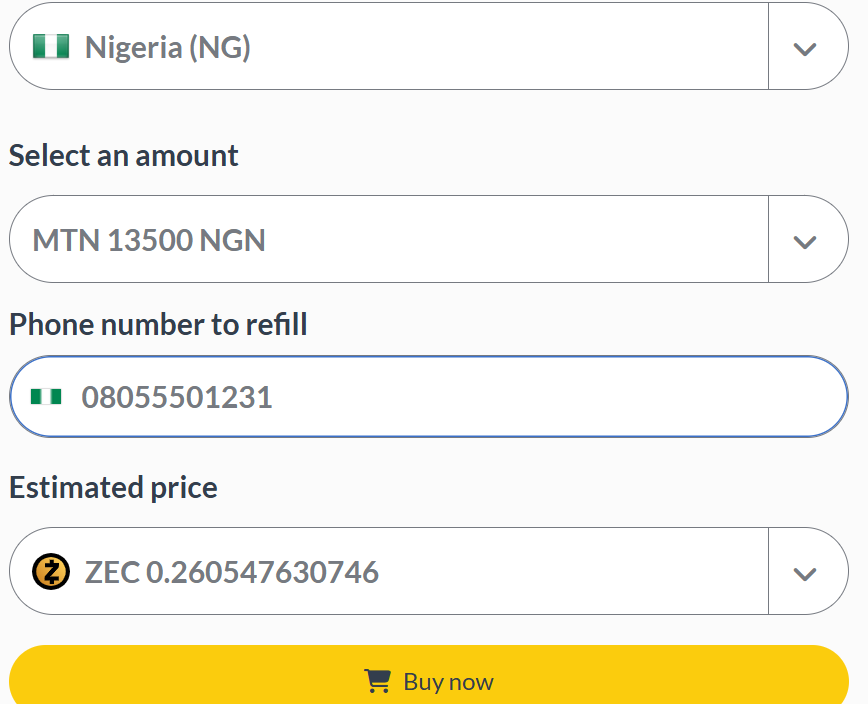
Fill in the correct details and hit the "Buy Now" button. Open the cart to view your order, click continue, and confirm the purchase with $ZEC.
4. Payment details
The equivalent amount in $ZEC will be provided, along with a transparent address where the funds should be sent.
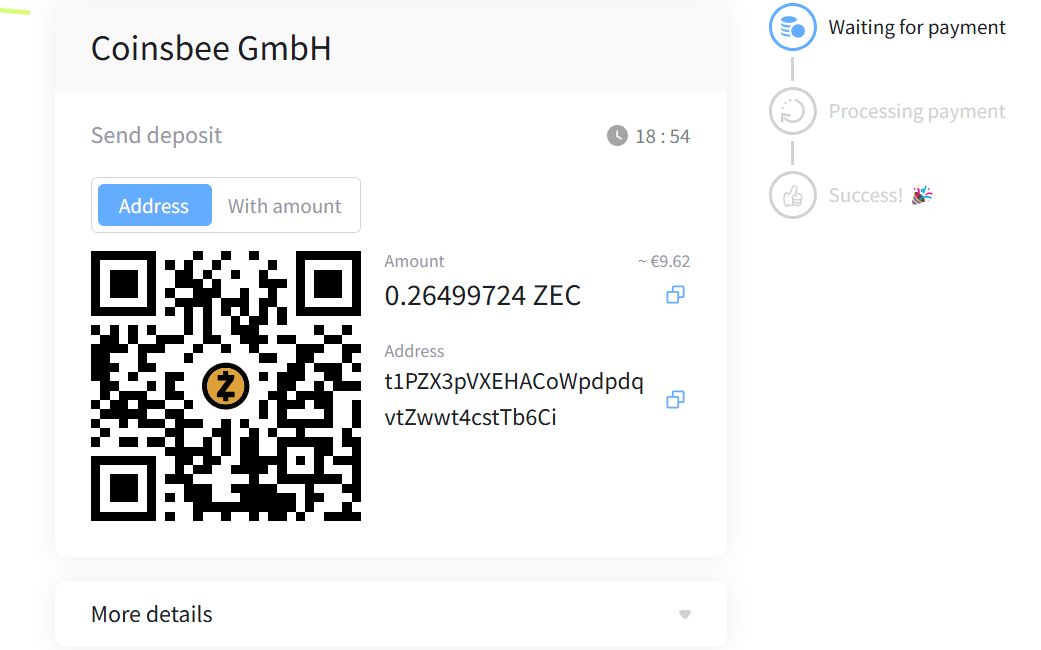
5. Send the payment
Copy and paste the amount and address carefully. In the memo field, add your YWallet address in case there will be a refund.
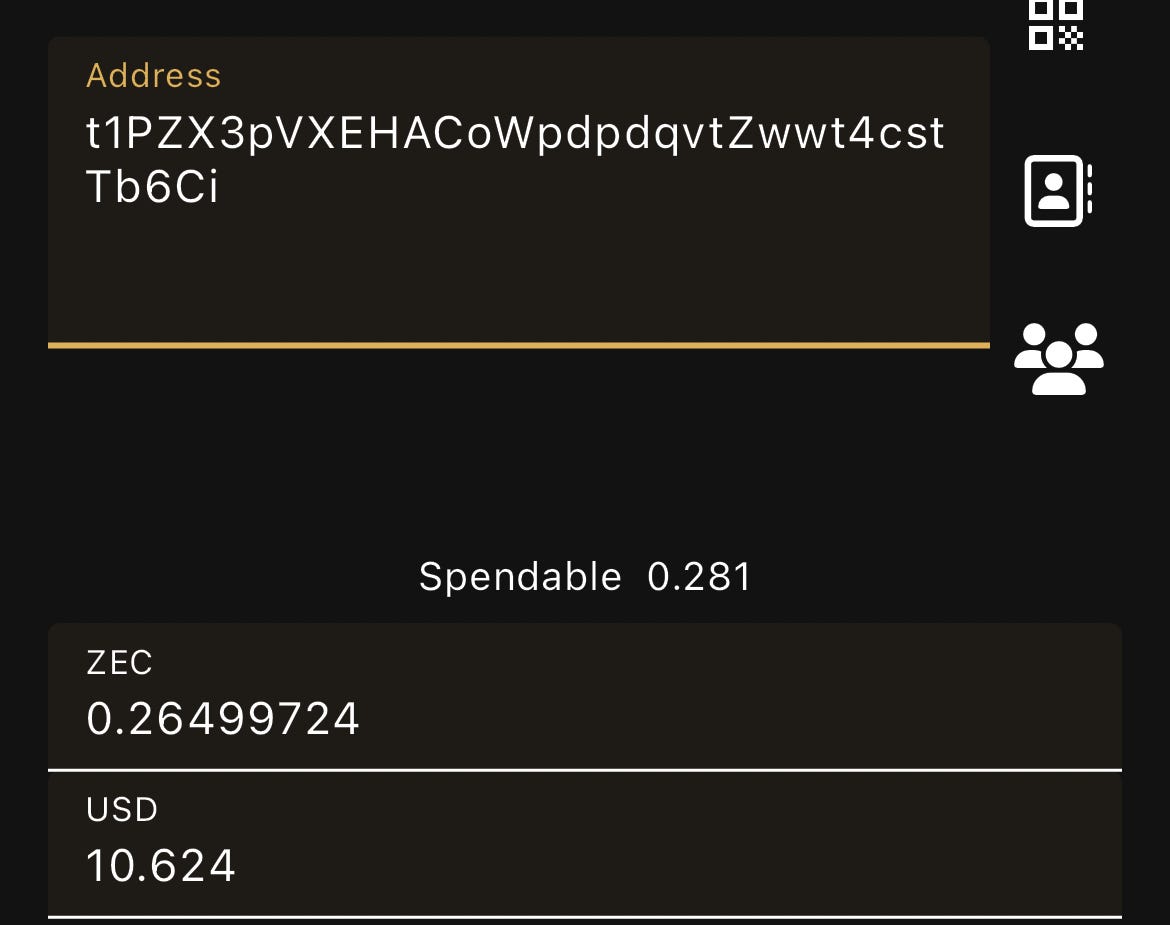
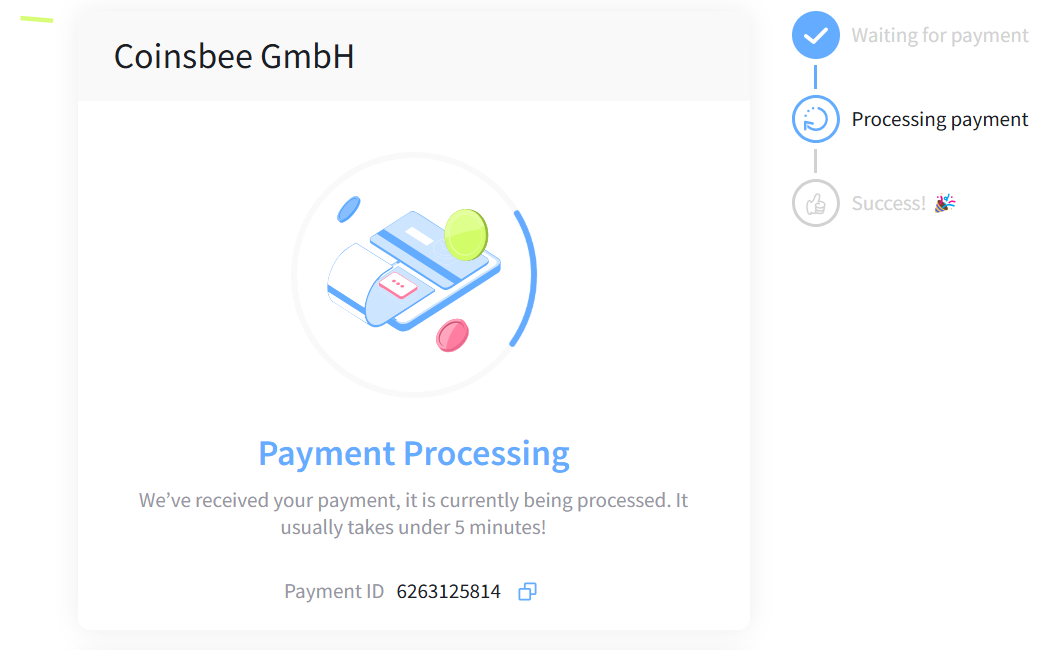
6. Processing
Once the funds have been sent, your request will be processed within a few minutes.
7. Confirmation
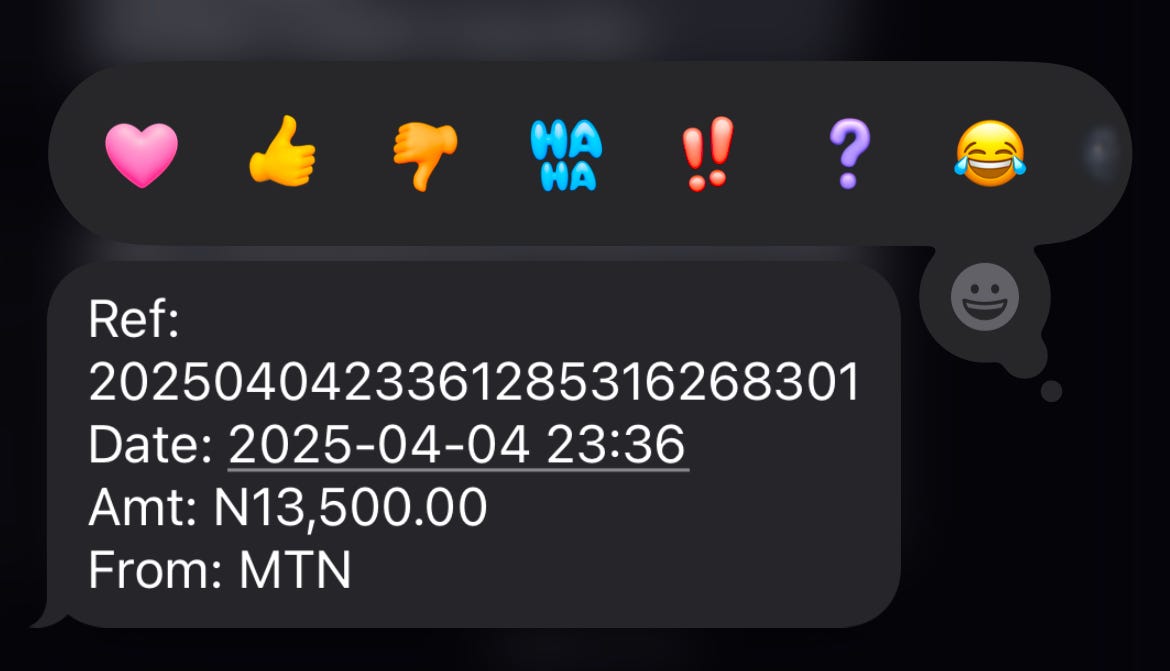
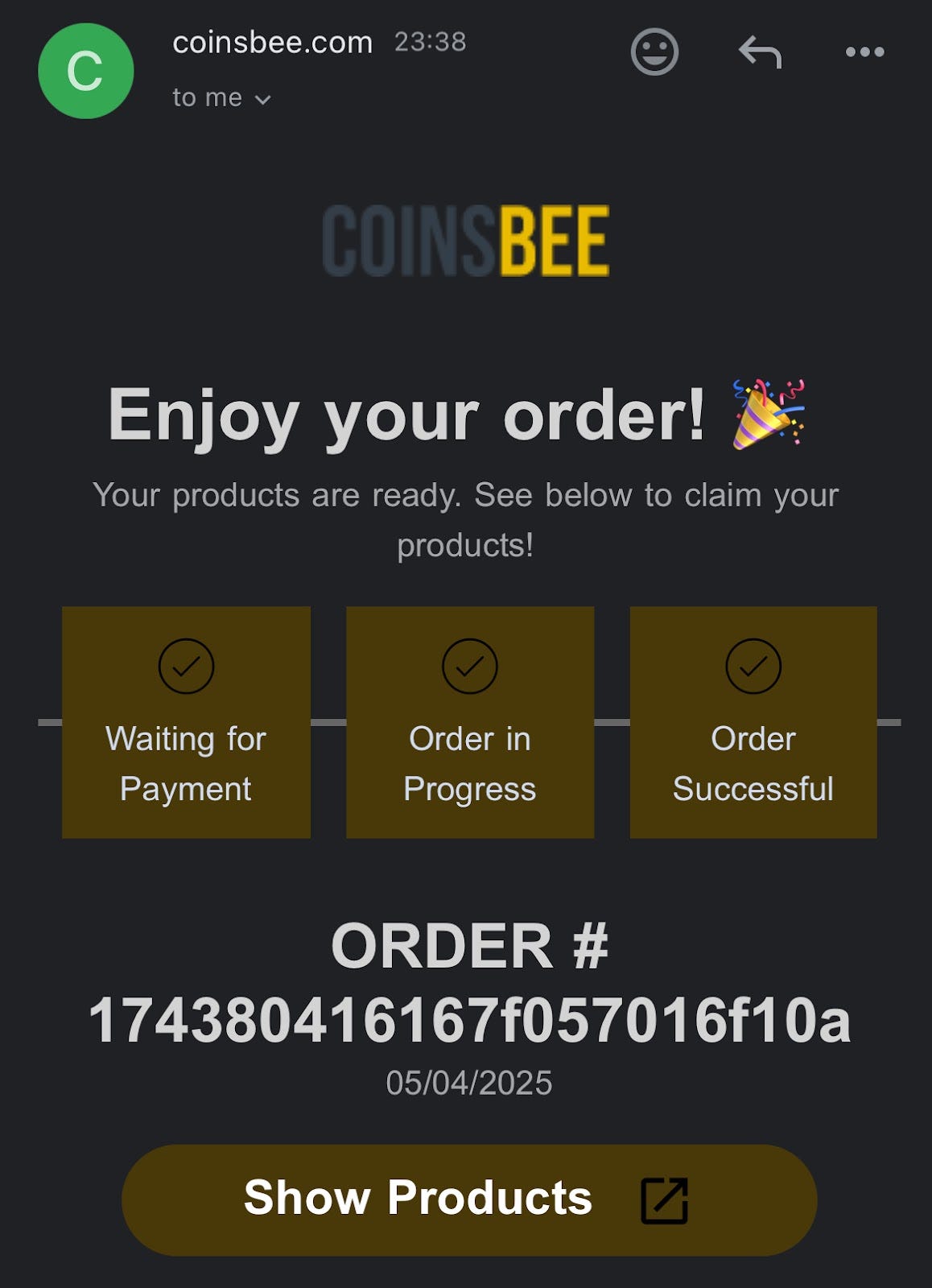
Hey… My line has been credited! You could also confirm your email during the payment process so you'll get notified via email once the transaction is completed.